

Image Compressor
A fast online image compressor for photos, screenshots, and web assets. Shrink image size without wrecking quality - works in your browser, no signup.
Use this image compressor to reduce image size across JPG, PNG, WebP, and AVIF in one pass. Pick a preset, fine-tune quality, or set a target size in KB - the tool compresses up to 100 images at once and hands you a ZIP of the results.
Need a different trade-off? Every option is adjustable: format, target size, resize, EXIF handling, progressive encoding, and filenames. Ideal for web pages, email attachments, and cleaning up exports before you ship them.
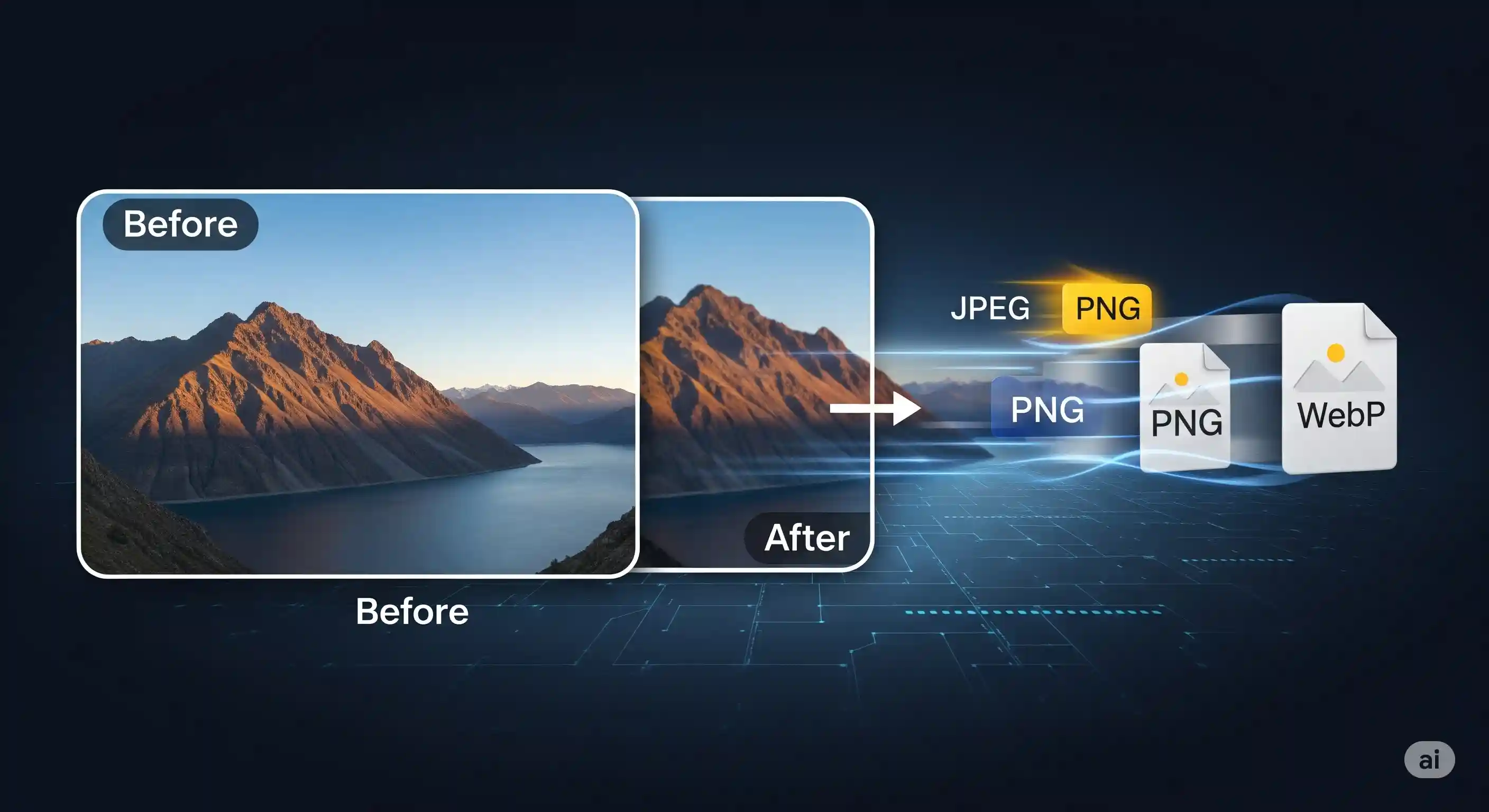
How to compress an image
Four steps, no setup.
1. Upload
Drop up to 100 images (JPG, PNG, WebP, AVIF) or pick files from your device.
2. Choose a preset
Pick Balanced, High Quality, Max Compression, or Web Optimized.
3. Fine-tune
Adjust quality, output format, target KB, or enable resize when needed.
4. Download
Grab files one by one or download the whole batch as a ZIP.
Reduce image size to a specific KB
Use the target file size field to aim for a number.
If a form or platform needs a photo under a given KB, enter the target in the Target Size (KB) field. The compressor lowers quality in small steps until the output meets the limit.
- Upload the image.
- Keep the format on "Keep Original" or pick WebP / AVIF for extra savings.
- Type the target - for example
100for 100 KB. - Compress and verify the result below the input.
If the target is too aggressive for the source image, resize the dimensions as well - this is usually the fastest way to hit a very small KB budget.
Which preset to choose
Pick one - you can always fine-tune after.
Balanced
General useGood visible quality with a meaningful size cut. Sensible default for most photos.
High Quality
Photography, portfoliosKeeps fine detail and color depth. Use when image fidelity matters more than savings.
Max Compression
Email, messaging, archivesSmallest possible file size. Expect some loss of sharpness - best for previews.
Web Optimized
Websites, blogs, product pagesTuned for fast-loading pages. Good starting point before you publish images online.
Which output format to pick
Match the format to where the image will live.
JPEG
Photos with many colors. Smaller than PNG, lossy by design.
PNG
Screenshots, icons, transparent backgrounds. Lossless, larger.
WebP
Modern web. ~25–35% smaller than JPEG at similar quality.
AVIF
Newest codec. Best compression, slightly slower to encode.
Common pitfalls
Pushing quality below 50%
Going below 50% often introduces visible banding and blur. Prefer a smaller pixel size first.
Converting PNG screenshots to JPG
JPEG can blur crisp edges. Keep PNG for screenshots, or switch to WebP for a better balance.
Forgetting to resize
A 6000×4000 photo still costs a lot even after compression. Resize to the size you actually show.
Stripping required metadata
Removing all EXIF data can drop color profiles. The Selective option preserves safe metadata.
What this tool supports
| Feature | Supported | Notes |
|---|---|---|
| Batch compress (up to 100 files) | Yes | Upload many images at once. |
| Quality slider (1–100) | Yes | Manual control over trade-off. |
| Preset modes | Yes | Balanced, High Quality, Max Compression, Web Optimized. |
| Target file size (KB) | Yes | Compressor aims for a specific output size. |
| Output formats | Yes | Keep original, or JPEG / PNG / WebP / AVIF. |
| Resize while compressing | Yes | Optional width/height with aspect ratio lock. |
| Remove EXIF metadata | Yes | Keep, remove all, or selective (safe). |
| Download as ZIP | Yes | All compressed files in one archive. |
| Account required | No | No signup, no install. |
Frequently Asked Questions
Is the image compressor free to use?
Yes. It’s free and runs in your browser - no signup, no install.
How do I reduce an image to a specific KB size?
Enter your target in the Target Size (KB) field and compress. The tool lowers quality step by step until the output hits your limit. If it can’t reach it, also enable Resize to lower the pixel size.
Which formats can I compress?
JPG, PNG, WebP, and AVIF inputs are supported. You can keep the original format or convert to any of these during compression.
Will compression hurt image quality?
Lossy formats like JPEG lose some detail by design. Use the quality slider or presets to find the right balance. PNG output is lossless, so it preserves detail but saves less size.
Can I compress many images at once?
Yes. You can upload up to 100 images in one batch, compress them together, and download the results as a single ZIP file.
Does the tool upload my images to a server?
Compression runs in your browser. Files are processed locally and not stored on our servers.
User reviews
No reviews yet. If you used the tool, you can share feedback on our feedback page.
Ready to compress your images?
Upload your files, pick a preset, and download the smaller versions in seconds.