

Introduction
Maybe you spotted a video with a scroll-stopping thumbnail and wanted to study exactly how it grabs attention, or perhaps you need your own thumbnail for a portfolio, a blog featured image, or a re-upload. Whatever the reason, a YouTube thumbnail downloader is the fastest way to save that image in full quality. Taking a screenshot only gives you a blurry, cropped result — but with the right tool you can download YouTube thumbnail files in crisp HD or 4K in just a couple of clicks.
In this guide, you'll learn what a thumbnail downloader is, why creators and marketers use one, and exactly how to grab any thumbnail for free on any device. We'll also cover the resolutions YouTube offers, the legal side of using thumbnails, and answer the most common questions people ask.
Thumbnails are one of the biggest factors in whether a video gets clicked, so it's no surprise that so many people want to save and study them. A great thumbnail can dramatically lift a video's click-through rate, which is why creators pour hours into designing them. Being able to download and analyze the ones that work is a genuine competitive advantage — and it takes only seconds once you know how.
What Is a YouTube Thumbnail Downloader?
A YouTube thumbnail downloader is a free online tool that lets you save the preview image of any YouTube video in full resolution. You simply paste the video's URL, and the tool extracts and downloads the thumbnail in HD or 4K quality — no screenshots, editing, or software required.
Behind the scenes, every YouTube video has a set of thumbnail images stored on YouTube's servers at fixed resolutions. When you take a screenshot, you're capturing a compressed, on-screen version that's often cropped and low quality. A downloader, by contrast, pulls the original image file directly, so you get the clean, full-size version the creator uploaded.
These tools are also called a youtube video thumbnail downloader or simply a thumbnail downloader youtube tool. The best part is that the whole process happens in your browser — there's nothing to install and no account to create. You paste a link, pick a size, and download. That simplicity is exactly why the YouTube thumbnail download workflow has become a staple for creators, designers, and marketers who need reference images fast.
It's worth understanding how the tool actually finds the image. Every YouTube video has a unique video ID — the string of characters in its URL after “watch?v=”. A thumbnail downloader reads that ID, locates the corresponding image files YouTube has stored, and lets you download the version you want. Because it's grabbing the source file rather than re-capturing what's on your screen, the quality is always as good as the original upload allows. This is the fundamental difference between downloading a thumbnail and simply screenshotting one.
Why Download YouTube Thumbnails? (Common Use Cases)
There are plenty of legitimate reasons to save a thumbnail, and they span nearly every part of the creator and marketing world. Here are the most common:
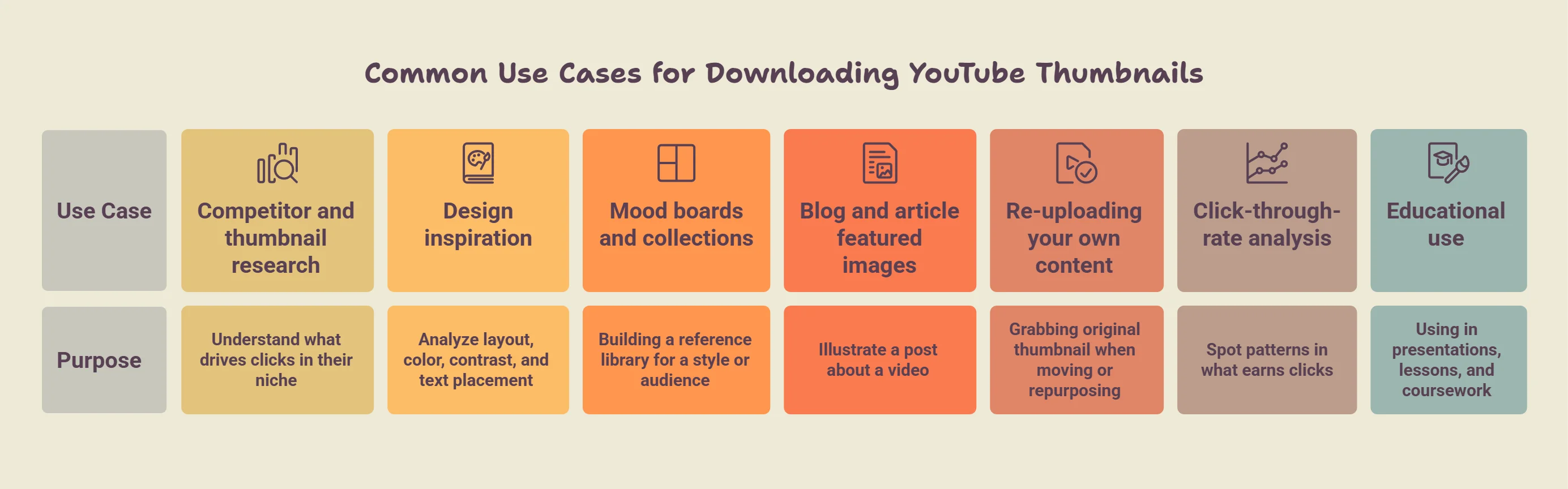
- Competitor and thumbnail research — marketers and YouTubers study high-performing thumbnails to understand what drives clicks in their niche.
- Design inspiration — graphic designers collect thumbnails to analyze layout, color, contrast, and text placement.
- Mood boards and collections — building a reference library of thumbnails that work for a particular style or audience.
- Blog and article featured images — when you download YouTube video thumbnail files to illustrate a post about a video (with proper credit).
- Re-uploading your own content — creators grabbing their original thumbnail when moving or repurposing a video.
- Click-through-rate analysis — comparing thumbnails side by side to spot patterns in what earns clicks.
- Educational use — teachers and students using thumbnails in presentations, lessons, and coursework.
In almost every case, the goal is the same: study or reference a high-quality image rather than settle for a fuzzy screenshot. Once you see how quick the process is, it tends to become a regular part of your workflow.
For digital marketers and agencies in particular, thumbnail research is one of the cheapest forms of competitive intelligence available. By collecting the top-performing thumbnails in a client's niche, you can spot the visual formulas that consistently earn clicks — the color schemes, facial expressions, and text styles that audiences respond to. That insight feeds directly into stronger creative briefs and better-performing campaigns, all starting from a simple thumbnail download.
How to Download a YouTube Thumbnail (Step-by-Step)
One of the best things about these tools is how little you need to know. Here's exactly how to download a YouTube thumbnail from start to finish:
- Copy the YouTube video URL from your browser's address bar or the video's Share button.
- Open a thumbnail downloader like Toolspy in your web browser — no installation needed.
- Paste the URL into the input field on the page.
- Choose your preferred resolution (SD, HD, or the maximum available).
- Preview the thumbnail to confirm it's the right one.
- Click the download button to save the image to your device.
That's the entire process — usually under thirty seconds. Because the tool pulls the original file, the result is far sharper than anything you'd get by screenshotting. If you've ever wondered how to download thumbnails from YouTube without losing quality, this paste-and-download method is the answer.
A few quick troubleshooting tips can save you frustration. If pasting the full URL doesn't work, try using just the video ID or the shortened youtu.be link instead. If the highest-resolution option appears unavailable, the creator likely didn't upload a large thumbnail, so drop down to the next size. And if you're on mobile and the download doesn't start automatically, press and hold the previewed image to save it manually. These small adjustments handle almost every issue you're likely to run into.
YouTube Thumbnail Resolutions Explained
YouTube stores each video's thumbnail at several standard sizes, and knowing them helps you pick the sharpest option. Here's what's typically available:
| Thumbnail Name | Resolution | Quality |
|---|---|---|
| default | 120 × 90 | Very low (avoid) |
| mqdefault | 320 × 180 | Medium |
| hqdefault | 480 × 360 | High |
| sddefault | 640 × 480 | Standard definition |
| maxresdefault | 1280 × 720 | HD (best available) |
For the clearest image, always aim for maxresdefault, which delivers a 1280×720 HD thumbnail. This is what a good youtube thumbnail downloader hd tool grabs by default. It's worth noting that while people often search to download YouTube thumbnail 4K files, true 4K depends entirely on what the creator uploaded — maxresdefault (720p HD) is the highest version available for the vast majority of videos. If a creator only uploaded a small thumbnail, the higher-resolution versions simply won't exist for that video.
How to Download YouTube Thumbnails on Any Device
Because browser-based tools don't require any software, the process works the same way across desktop and mobile. Whether you're at your workstation editing a video or on your phone scrolling through YouTube, you can save a thumbnail in moments. Here's how to handle each platform when downloading YouTube thumbnails.
On Desktop (Windows & Mac)
Copy the video URL from your browser, open your downloader, paste the link, choose a resolution, and click download. The image lands in your Downloads folder. This is the smoothest experience for online YouTube video thumbnail download tasks, since you can preview at full size before saving.
On Android
In the YouTube app, tap Share, then Copy link. Open your mobile browser, paste the URL into the downloader, pick your resolution, and tap download. The thumbnail saves to your Downloads or Gallery. No app install required.
On iPhone (iOS)
The flow is identical on iOS. Copy the link via the Share sheet, open Safari or Chrome, paste it into the downloader, and download. On iPhone you may need to tap and hold the previewed image to save it to your Photos app. Everything works right from the browser.
Best Free YouTube Thumbnail Downloader Tools
Not every downloader is worth your time — some add watermarks, cap resolution, or push you toward a signup. To compare them fairly, we looked at four things: available resolutions, download speed, whether the tool adds watermarks, and whether it requires an account. Here's what stood out among the best free options.
Toolspy is a strong pick for anyone who wants a fast, no-fuss experience: it supports free HD downloads, works entirely in the browser, and doesn't require you to log in. For most creators and marketers, that combination of free thumbnail download for YouTube plus zero friction covers everything they need. Other tools on the market specialize in bulk downloading or offer browser extensions, so the right choice depends on how often you grab thumbnails and whether you need extras like batch saving.
When you're comparing options, be cautious of tools that look free but reveal a paywall the moment you try to download the full-resolution image, or that bury the actual download button under layers of ads. A trustworthy thumbnail downloader is upfront: it shows you the image, offers your resolution choices clearly, and downloads without demanding an email address or forcing you through pop-ups. The difference between a clean tool and a cluttered one becomes obvious the first time you use each.
What to Look for in a Thumbnail Downloader
- Completely free — no hidden paywall to access full resolution.
- No watermark — the downloaded image should be clean.
- HD support — access to maxres default, not just tiny previews.
- No login required — you shouldn't need an account to save an image.
- Works on mobile — a responsive tool that functions on any device.
- Safe and ad-light — reputable, malware-free, without aggressive pop-ups.
Run any tool against this checklist and you'll quickly separate the reliable options from the ones to avoid.
Is It Legal to Download YouTube Thumbnails?
This is one of the most common — and most important — questions, so let's address it clearly. Downloading a YouTube thumbnail for personal use, research, or reference is generally considered acceptable. Studying a thumbnail to understand design trends, saving one for a mood board, or referencing it in analysis are all low-risk, everyday uses.
The nuance is around republishing. Thumbnails are creative works, and they're protected by copyright owned by the video's creator. That means reusing someone's thumbnail commercially — putting it on your own products, passing it off as your own, or publishing it without permission or credit — can infringe copyright. The safe approach is to treat downloaded thumbnails as inspiration and reference, then create your own original artwork based on what you learn.
If you need to use a thumbnail publicly, seek the creator's permission or rely on fair use principles where they genuinely apply. Fair use is a limited legal doctrine that can cover things like commentary, criticism, or education, but it's fact-specific and varies by country, so don't assume it automatically applies to your situation. This isn't legal advice, but as a rule of thumb: download freely for private study, and think twice before republishing someone else's image as your own.
Common Mistakes to Avoid When Downloading Thumbnails
Even though the process is simple, a few common missteps can leave you with a poor result or land you in trouble. Being aware of them keeps your workflow clean and professional.
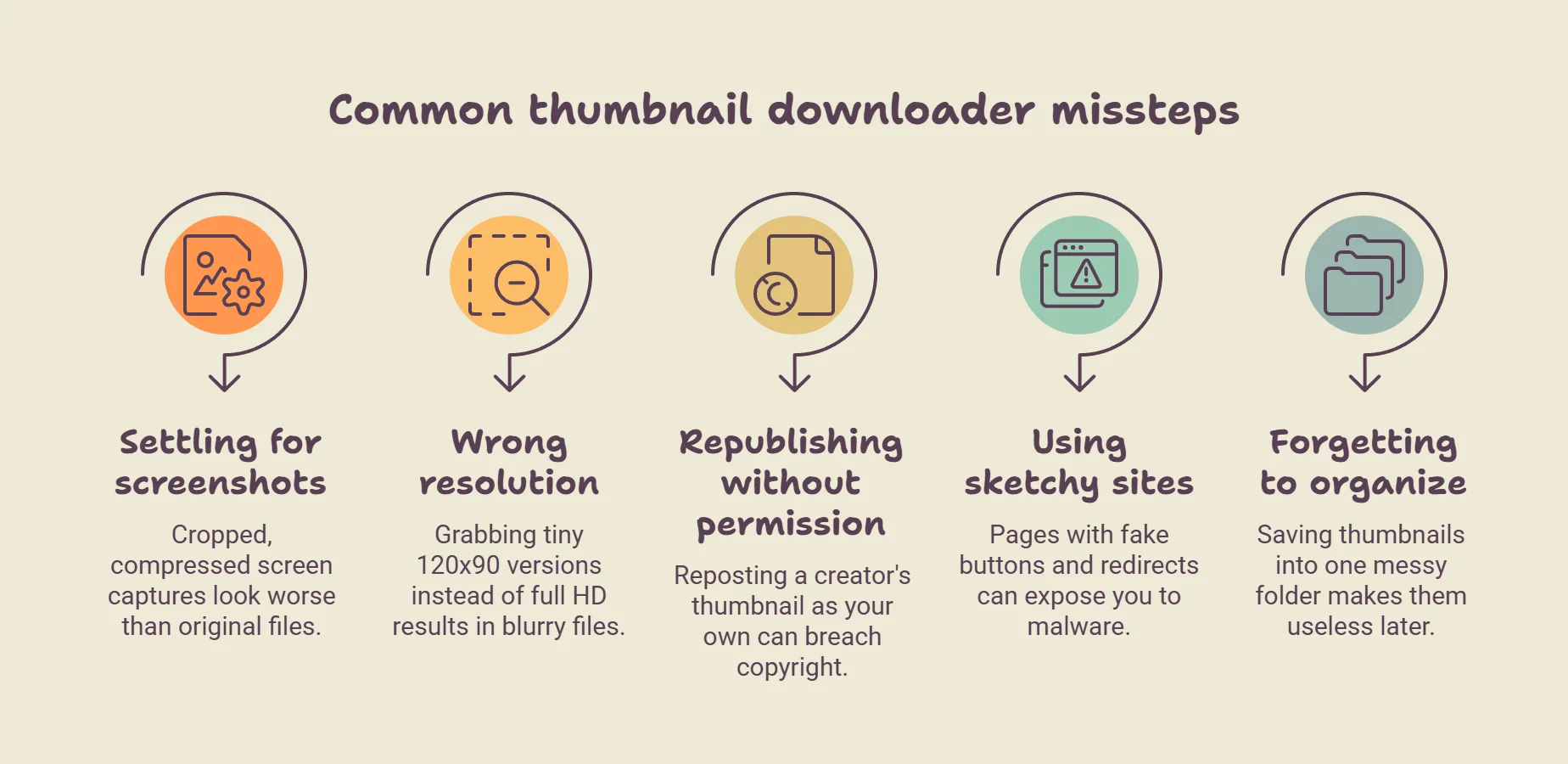
- Settling for a screenshot — a cropped, compressed screen capture will always look worse than the original file. If quality matters, use a proper downloader.
- Choosing the wrong resolution — grabbing a tiny 120×90 version when a full HD image is available leaves you with a blurry file. Always default to the highest option.
- Republishing without permission — reposting a creator's thumbnail as your own can breach copyright. Use downloads for reference, not for reuse.
- Using a sketchy site — pages loaded with fake download buttons and forced redirects can expose you to malware. Stick to reputable, well-reviewed tools.
- Forgetting to organize — saving dozens of thumbnails into one messy folder makes them useless later. Sort them by niche or project as you go.
Avoid these five and you'll get the full benefit of a thumbnail downloader — clean, high-quality images you can actually put to work — without the headaches that trip up first-time users.
Tips for Using Downloaded Thumbnails Effectively
Once you've saved a few thumbnails, a little strategy goes a long way. Use high-performing thumbnails as inspiration rather than templates to copy — study the patterns instead. Look at how top creators use close-up faces, high contrast, bold text, and negative space to earn clicks, then apply those principles to your own designs.
Whenever you download a thumbnail from YouTube for reference, grab the maximum resolution so you can see the detail clearly, and keep your saved images organized in folders by niche or theme. A tool like Toolspy lets you preview the thumbnail before you save, so you always download the exact image and resolution you want. Building a well-organized library as you download YouTube thumbnails turns a one-off task into a genuine creative asset you can return to again and again.
Finally, pair your visual research with the actual performance of the videos you're studying. A thumbnail that looks striking on its own is one thing, but a thumbnail attached to a video with millions of views is a proven winner. When you save references, jot down why the video succeeded — the topic, the title, the audience — so your collection becomes a strategy resource rather than just a folder of pictures. That context is what turns a downloaded image into a real design lesson.
Frequently Asked Questions
What is a YouTube thumbnail downloader?
It's a free online tool that saves the preview image of any YouTube video in full resolution. You paste the video URL and download the thumbnail in HD — no screenshots or software needed.
How do I download a YouTube thumbnail?
Copy the video's URL, paste it into a thumbnail downloader, choose your resolution, preview the image, and click download. The whole process takes under a minute.
Is it free to download YouTube thumbnails?
Yes. Many tools are completely free. Toolspy, for example, lets you download HD thumbnails in your browser at no cost and without creating an account.
Can I download YouTube thumbnails in HD?
Yes. Choosing the maxresdefault option gives you a 1280×720 HD image, which is the highest resolution available for most videos.
Can I download a YouTube thumbnail in 4K?
It depends on the source. Most videos only offer up to 720p HD (maxresdefault). True 4K is only available if the creator uploaded a very high-resolution thumbnail, which is rare.
Do I need to install any software?
No. The best thumbnail downloaders run entirely in your web browser, so there's nothing to download or install on your device.
Is it safe to use a thumbnail downloader?
Yes, when you use a reputable tool. Stick to well-known sites, avoid pages with aggressive pop-ups or forced downloads, and you'll be fine.
Do I need a YouTube account or login?
No. You don't need to sign in to YouTube or the downloader tool to save a public video's thumbnail.
Can I download thumbnails on my phone?
Yes. The process works on both Android and iPhone through your mobile browser — just copy the link, paste, and download.
How do I download my own video's thumbnail?
Use the same paste-the-link method with any downloader, or grab the original file directly from YouTube Studio if you uploaded the video.
Is it legal to download YouTube thumbnails?
Downloading for personal use or research is generally fine. Republishing someone's thumbnail commercially can infringe copyright, so use them as reference rather than reposting them as your own.
Where are downloaded thumbnails saved?
On the desktop, images go to your Downloads folder. On mobile, they're typically saved to your Gallery or Photos app.
Why is my downloaded thumbnail blurry?
You likely selected a low-resolution version. Choose the maxres default (HD) option for the sharpest available image.
Can I download thumbnails from any video?
You can download thumbnails from any public YouTube video. Private or removed videos won't have accessible thumbnails.
What image format are YouTube thumbnails in?
YouTube thumbnails are usually saved as JPG files, which balance good quality with a small file size.
Can I download a YouTube Shorts thumbnail?
Yes. Paste the Shorts video URL into the downloader the same way you would for a regular video.
Does downloading a thumbnail notify the creator?
No. Creators receive no notification when someone downloads their video's thumbnail.
Can I use downloaded thumbnails commercially?
Not without permission. Thumbnails are copyrighted by their creators, so commercial reuse requires the creator's consent.
What's the highest resolution I can get?
For most videos, maxres default at 1280×720 (HD) is the highest available resolution.
Why can't I get a thumbnail for some videos?
If a creator didn't upload a high-resolution thumbnail, the larger sizes won't exist for that video, and only smaller versions will be available.
Conclusion
Whether you're researching competitors, gathering design inspiration, or saving your own artwork, a YouTube thumbnail downloader removes the hassle of blurry screenshots and puts a clean, high-quality image in your hands in seconds. Paste a link, pick your resolution, and download — it really is that simple. Just remember to treat other creators' thumbnails as inspiration rather than something to republish, and you'll get all the benefits with none of the risk.
Disclaimer: This tool is for personal reference and research. YouTube thumbnails are copyrighted by their creators. Downloading for study is generally fine; commercial reuse without permission may infringe copyright. This is not legal advice.